Learn valuable insights and strategies from industry experts.

This session focuses on leveraging Claude, an advanced AI tool, to transform the way professionals work with Microsoft Excel. As organizations increasingly adopt AI-driven tools, understanding how to integrate these technologies into everyday workflows has become essential. This webinar will demonstrate how Claude can be used alongside Excel to automate tasks, generate formulas, clean and structure data, and derive meaningful insights with minimal effort.
Participants will explore practical applications such as converting plain English instructions into Excel formulas, fixing errors, summarizing datasets, and generating business insights. The session will also cover how AI can assist in report creation, email drafting, and decision-making processes. Special emphasis will be placed on real-world scenarios from finance, HR, audit, and analytics functions to ensure relevance across industries.
In addition, participants will gain an understanding of prompt engineering—how to ask the right questions to get accurate and useful outputs from AI. The session will include live demonstrations and examples that highlight the efficiency gains and productivity improvements possible through AI integration. By the end of the session, attendees will be equipped with practical knowledge to incorporate Claude into their Excel workflows, enabling smarter and faster data handling.
In today’s fast-paced work environment, professionals need to analyze data quickly and automate tasks efficiently. This session will show how to use AI with Excel (using Claude) to make your work easier and faster.
You will learn how to handle common Excel tasks like creating formulas, cleaning data, and building reports using simple prompts.
This session is perfect for anyone who wants to save time, reduce manual work, and improve accuracy. Through live demos and real-life examples from finance, HR, and analytics, you will gain practical skills that you can start using right away.
Whether you work with large data or daily reports, this session will help you work smarter and more effectively.
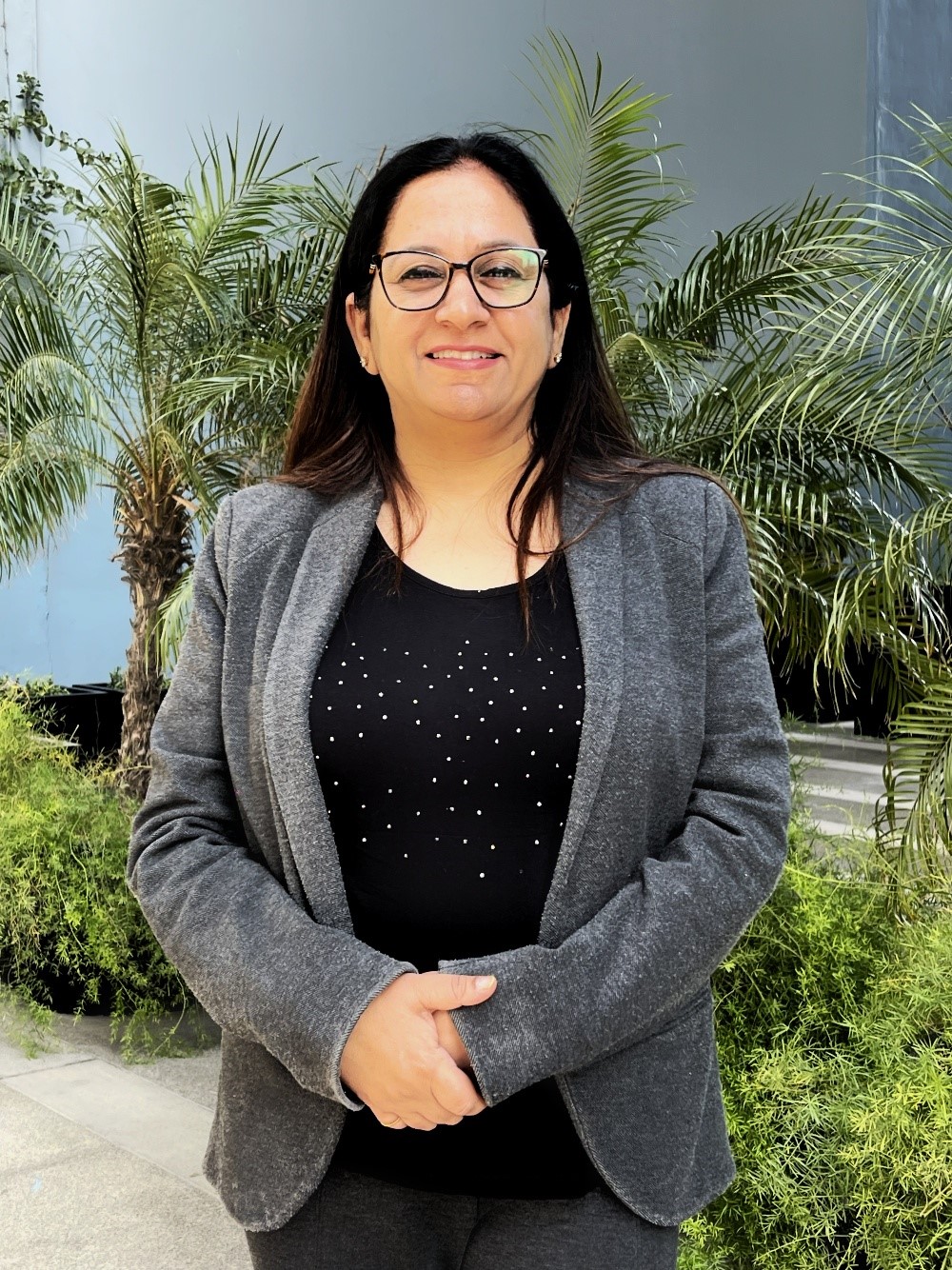
Ritu Arora has trained more than 100,000 people in over 3500 corporations over the past 20 years. This extensive experience has allowed her to develop a deep understanding of the diverse needs of learners. As an expert in Microsoft Office, Ritu Arora has provided training on essential software programs such as Microsoft Office Specialist Excel and Microsoft Office Specialist PowerPoint. Her expertise has been further strengthened by her authorship of the books “Advance Excel Guide” and “Mastering Advanced Excel with ChatGPT Integration”, which provides comprehensive and practical guidance to users of all levels. Ritu Arora is associated with the (CII), where she is involved in their programs “Excelerate with Excel” and “Empower with PowerPoint Skills.” Additionally, she has partnered with lot of banks to provide “Advance Excel and PowerPoint” training to their employees.